 Fleet Files
Fleet Files / DVIR app
DVIR app for small trucking fleets.
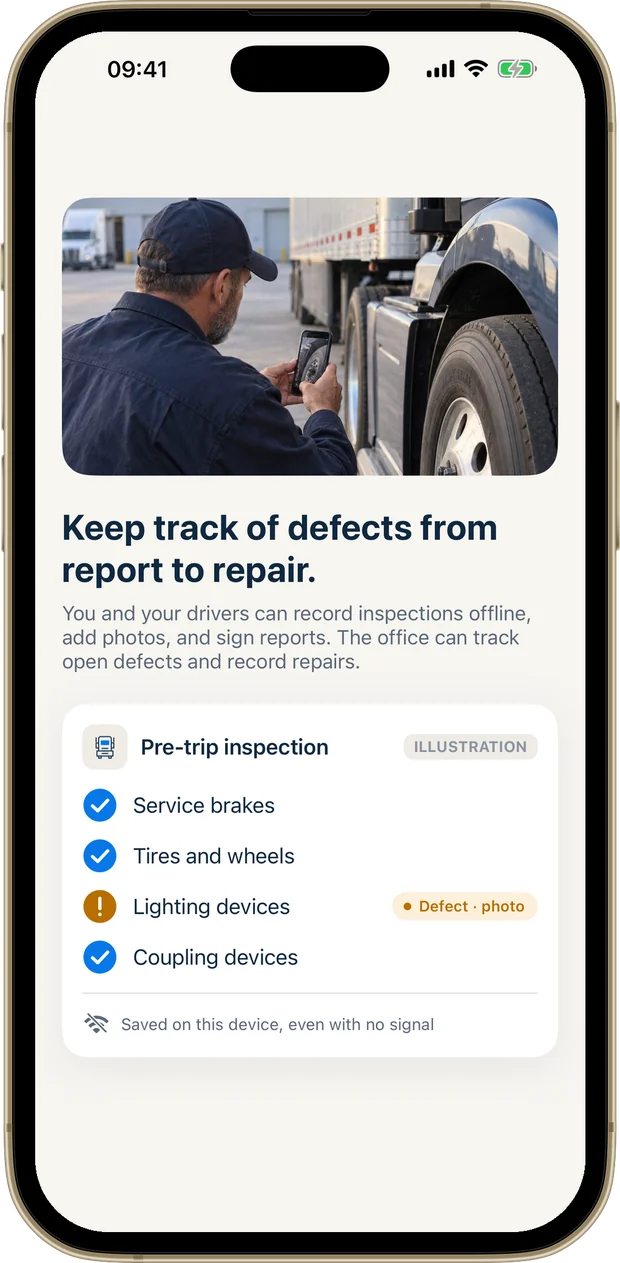
Drivers file electronic DVIRs from their phone. You see every defect, who fixed it and when.

For iPhone and iPad. Drivers can also use any web browser, Android included.
- The 11-item checklist from 49 CFR 396.11
- Photos, notes and a signature
- Saves with no signal
How a driver files a DVIR
Pick the truck
Drivers see only the trucks assigned to them.
Choose Post-trip
Enter the odometer. The same screen does the pre-trip.
Go down the 11 items
Mark a defect, add a photo and a note. Nothing wrong? Mark the whole list at once.
Sign and save
The driver signs on screen. With no signal it saves on the phone and syncs later.
Every defect, until it is fixed.
A reported defect stays open on that truck. You don’t have to remember to chase it.
- A notification when a driver reports a defect
- Mark it repaired, with who fixed it and when
- The next driver sees the last report and anything still open before a pre-trip
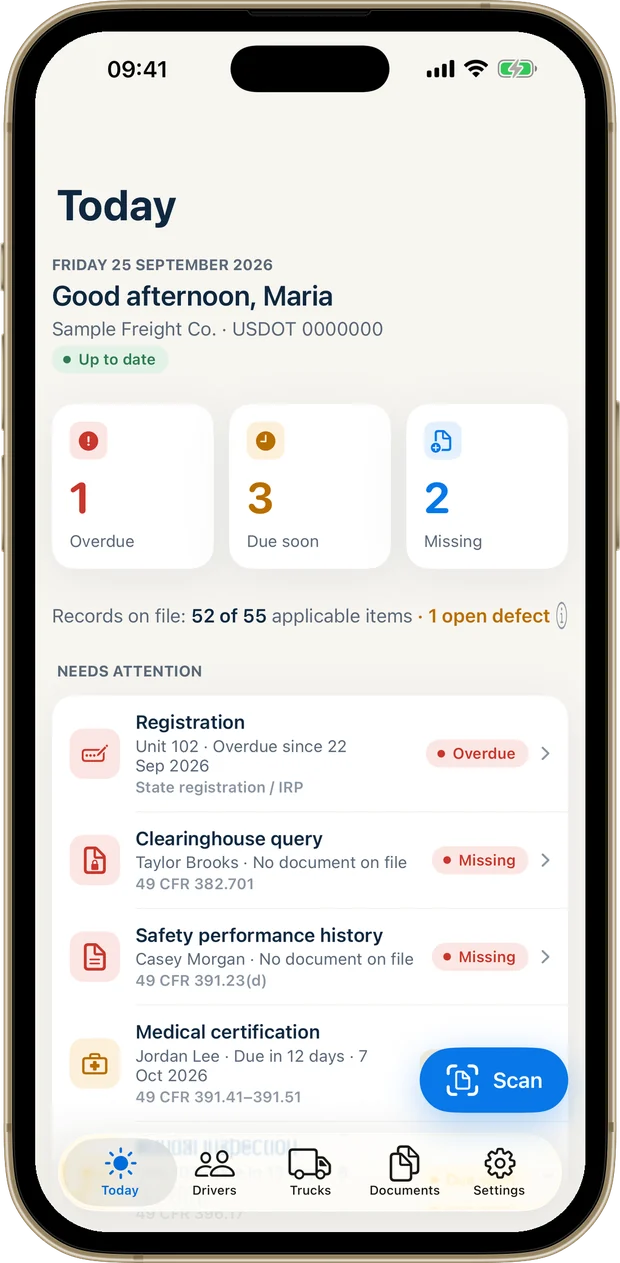
- Open defects show on your Today screen with the other things that need attention
The checklist is already set up
Fleet Files uses the eleven parts and accessories a DVIR has to cover under 49 CFR 396.11(a)(1). There is nothing to build or configure.
- Service brakes, including trailer brake connections
- Parking brake
- Steering mechanism
- Lighting devices and reflectors
- Tires
- Horn
- Windshield wipers
- Rear-vision mirrors
- Coupling devices
- Wheels and rims
- Emergency equipment
Paper DVIR book or Fleet Files
| Paper book | Fleet Files | |
|---|---|---|
| Finding a report | In the truck, or in a binder at the office | With the truck’s record, on your phone |
| Showing the defect | One written line | A photo and a note |
| Signing off the repair | Sign the copy and file it | Marked repaired, with who and when |
| The next driver | Reads yesterday’s sheet if it is still in the cab | Sees the last report and open defects before the pre-trip |
| Knowing something is open | Someone has to go through the book | It is on your Today screen |
| No signal | Works | Saves on the phone and syncs later |
Staying on paper for now? Ledger Road has a free printable DVIR form.
Before you switch
Is an electronic DVIR accepted?
Yes. 49 CFR 396.11(a)(6) allows the report to be prepared and kept electronically. Fleet Files records the driver’s signature and keeps the report with the truck.
Can drivers file a DVIR from an Android phone?
Yes. Invited drivers use Fleet Files in a web browser on any phone, with their own private code. The app itself is for iPhone and iPad.
Do I pay for each driver?
No. The drivers you invite are covered by your subscription, up to the number of driver logins in your plan.
What about days with no defects?
The rule does not ask for a report when nothing was found (49 CFR 396.11(a)(2)(i)). If you want a record of every inspection anyway, a driver can still save a clean one.
I run one truck. Do I need this?
Probably not this part. The DVIR section does not apply to a carrier operating only one commercial motor vehicle (49 CFR 396.11(a)(5)). You would use Fleet Files for the driver file, truck dates and reminders, and have the inspections ready when a second unit arrives.
How long are reports kept?
For as long as your company subscribes, which covers the three months the rule asks for (49 CFR 396.11(a)(4)).
Citations follow Ledger Road’s guide to DVIR requirements under 49 CFR 396.11, checked against the regulation in September 2026. Fleet Files is a record-keeping tool and does not provide legal advice.
Take a look at Fleet Files.
Your fleet’s paperwork, ready when you need it.
For iPhone and iPad. Subscription required.